
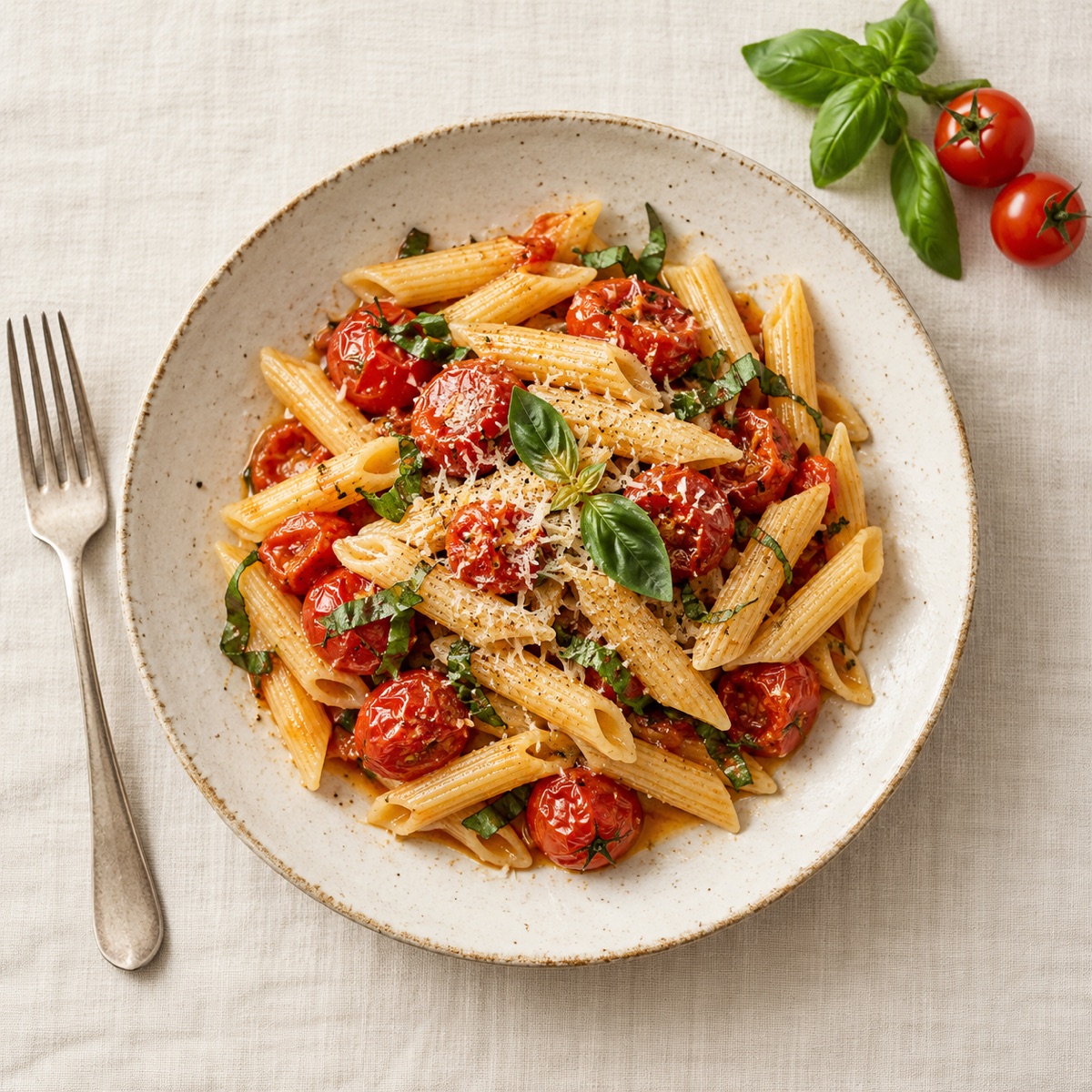
Dinner · 25 minCinque Pi creamy tomato-cheese pasta
DINNER, MINUS THE GUESSWORK
Tell us what you like and how much time you have: Prep & Cook suggests real recipes for one meal, the weekend or the whole week, and works out what you still need to buy.
On the web you can plan menus and browse recipes; the shopping list and home inventory are part of the Android app.


Available on the webComing soon to AndroidIn six languages
THREE STEPS
No more browsing recipe sites and writing lists: your menu and your list come together.
Diet, favourite cuisines, ingredients to avoid and your time limit. Set them once, change them anytime.
For one meal, the weekend or the whole week – breakfast, lunch or dinner. Don’t like a dish? Swap it with one tap.
The shopping list adds up the ingredients and subtracts what you already have. While cooking, the recipe guides you step by step.
FOUR TABS. A CLEARER KITCHEN.
The Android app’s new bottom navigation puts Home, Menu, Shopping and Inventory a tap away. Explore the four views.
Your next meal and a short shopping preview come first. If you paused cooking, return straight to your saved step.
Your next meal
Menu ingredients and your own shopping items live in one place, with different effects on stock. Your personal list stays available without a meal plan.
Menu ingredients and your own items
Find and update your ingredients, or filter by storage location. Your inventory works on its own, even before you create a meal plan.
The ingredients you’ve recorded
Illustrative preview of the Android app with sample data.
MORE THAN RECIPES
Record what’s in your pantry, fridge and freezer – by hand, by barcode or with a photo of the label. The app plans with it and adds only what’s missing to your list.
Open Inventory even before you have a plan.
4 portions in total
For a single meal, choose tomorrow’s portions while planning or adjust them on the recipe page. Ingredients and the shopping list follow the full cooking quantity.
AI picks from our own recipe collection – it doesn’t invent recipes. Ingredients and steps always come from the stored recipe.
Three quick ways to keep your stock up to date.
Scan the package and the app looks up the product. No match? Take a photo of the label.
It suggests an ingredient and pack size from the label; you set how much is actually left.
Add several items to your stock at once from a photo of your receipt.
You can also ask for recipes made only from what’s at home.
GOOD OFFERS. GOOD IDEAS.
Spotted good offers but unsure what to cook? Bring your grocery flyer. Prep & Cook’s AI suggests real recipes, taking your chosen discounted ingredients and what you have at home into account.
Use a paper flyer, saved images or a PDF. Import several pages, or share them to Prep & Cook from another app.
You approve the recognised ingredients that can be used in recipes. Remove items and adjust the store or validity dates.
Plan one cooking session, a weekend or a week. The app aims for fewer full-price purchases while respecting your diet, time limit and equipment.
Your grocery flyer
Reviewed ingredients
AI suggestions from real recipes, with your home stock in mind.
Offer labels in your menu and shopping list
PRICING
The free plan covers everyday cooking. Pro is for planning the whole week ahead.
No subscription needed
Monthly or annual subscription
Pro will be available on Google Play when the Android app launches, and it applies to the same account on the web. Your first subscription includes a free trial (7 days monthly, 14 days annual) if your Google Play account is eligible.
GOOD TO KNOW
AI chooses a suitable dish from the existing collection of Hungarian and international recipes. Ingredients and instructions come from the stored recipe in all six supported languages.
Yes. Set your diet, favourite food types, ingredients to avoid and kitchen equipment, and choose a time limit when planning. Suggestions take these into account.
For a single meal, you can request an idea using only the stock recorded in your pantry. If there is no suitable match, you can choose to switch to planning that allows shopping. You record and update your own stock.
Choose the days, the number of people and the meals. The days come together one after another; you can open or swap any dish along the way, then accept the menu with one tap. Weekly menus are part of Pro; you can plan one weekend menu a week for free.
The local plan, cached recipes, inventory, favourites, personal shopping items and saved cooking progress work without a fresh suggestion. New AI suggestions and cloud actions need internet. File backup and restore are free for everyone.
Take a photo of the flyer or load it as an image or PDF, review the recognised ingredients, and AI suggests real recipes based on them and your home stock. Images stay on your phone. The app doesn’t show live prices; check offers and their validity in store. This is a Pro feature of the Android app.
On the web, right now: open the web app and plan menus in your browser. The Android app is coming soon to Google Play, and you can use it with the same account. The shopping list and home inventory are part of the Android app. There is no decision on an iOS version yet; if you’re interested, ask to be notified.
PREP & COOK, WHERE IT SUITS YOU
Use it in your browser now, or get notified when the mobile app launches.
In the web app you can plan menus and browse recipes. The shopping list and inventory are part of the Android app; we’ll email you when it launches.
Choose Android news, closed testing, or both. We’ll email testers when the test version is ready.
Enter the email address you subscribed with. This stops all Prep & Cook notifications: Android and iOS launches, app news and testing invitations.